Wendy’s Order Online Guide 2026: Pickup & Delivery
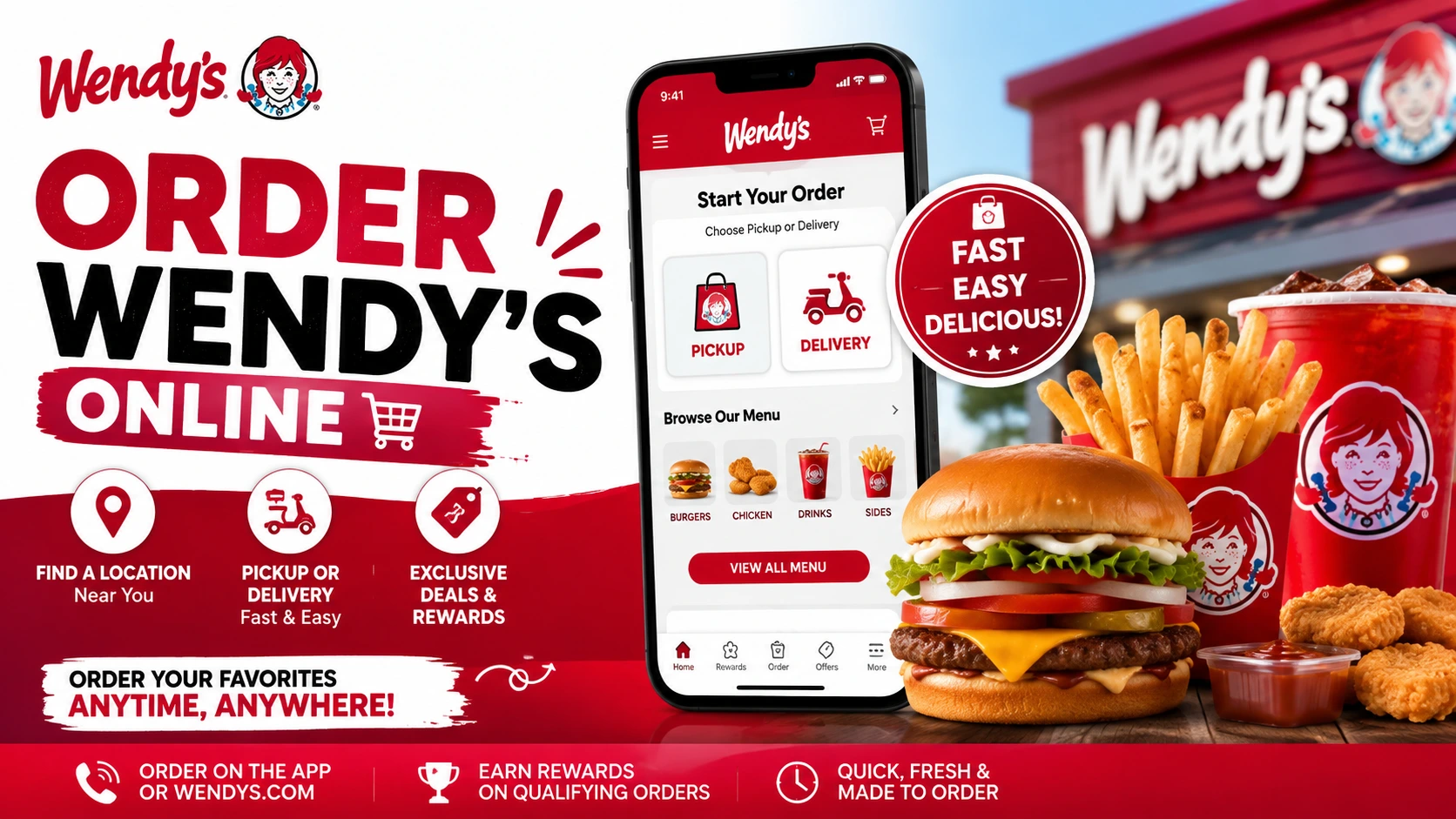
Want to order Wendy’s without waiting in line? You can place a Wendy’s Order through the official website or app. Simply choose your location by city, state, ZIP code, or current location, then select pickup or delivery. Add your food, customize your order, and pay online.
In this guide, you’ll learn how to order Wendy’s online, find a nearby location, choose between pickup and delivery, customize your food, check fees, and how to save money on a Wendys order.
Explore: Latest Wendy’s Menu
Wendy’s Order Online
The easiest way to start a Wendys Order is through the official Wendy’s website or app.
You first choose your restaurant. Then you decide whether you want to pick up your food or have it delivered. Wendy’s official ordering page currently provides both options and lets you search by city, state, or ZIP code or use your current location.
Ordering Method | Best For | What to Know |
Pickup | Saving money | Order ahead and collect it at the restaurant |
Delivery | Convenience | Extra fees may apply |
Wendy’s App | Deals and Rewards | Easy access to mobile offers |
Wendy’s Website | Quick online ordering | Works from a desktop or mobile browser |
Delivery Partners | More delivery choices | Availability depends on your location |
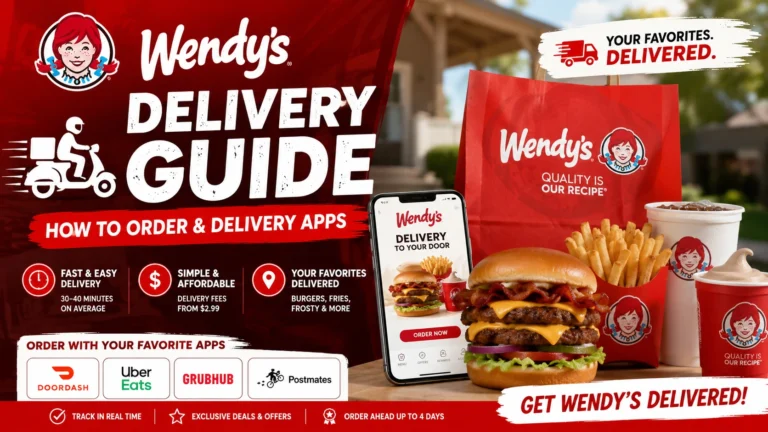
Wendy’s currently lists DoorDash, Grubhub, Postmates, and Uber Eats among its official third-party delivery partners. Delivery availability varies by participating restaurant.
How to Order Wendy’s Online
Placing a Wendys Order is fairly simple once you know where to start.
Step 1: Find Your Wendy’s Location
Open Wendy’s online ordering page and enter your city, state, or ZIP code. You can also use the Current Location option if you want Wendy’s to find nearby restaurants for you.
Step 2: Choose Pickup or Delivery
Select how you want to receive your food.
Choose Pickup if you are already going out and want to avoid delivery charges.
Choose Delivery if you would rather have the food brought to your door.
Step 3: Browse the Menu
Once you select a restaurant, browse the available menu. You may notice that some items or categories differ from another Wendy’s location. That is normal. Wendy’s says menu participation and availability can vary by location.
Step 4: Customize Your Food
Choose your preferred options before adding the item to your bag. Depending on the item, you may be able to change toppings, sauces, sides, or other ingredients.
Step 5: Review Your Bag
This is the step many people rush through. Before paying, check:
A 30-second checkout check can save you from discovering a missing item after you get home.
Step 6: Check Deals and Rewards
Check the Wendy’s app or website for available deals before ordering. Wendy’s Rewards members earn 10 points for every $1 spent on qualifying food orders. Pickup orders can use eligible Rewards and offers, while delivery orders currently don’t earn points or qualify for in-app offers.
Step 7: Pay and Place Your Order
After reviewing everything, complete payment and submit the order. For pickup, follow the instructions shown for collecting your food. For delivery, watch the order status and delivery estimate.
Before You Order | Check This |
Location | Correct Wendy’s restaurant |
Food | Correct items and quantity |
Customization | Sauces and toppings |
Price | Final checkout total |
Offers | Available deals or Rewards |
Method | Pickup or delivery |
Order | Confirmation received |
Wendy’s Order Near Me
The official Wendy’s ordering page lets you search using your city, state, or ZIP code. You can also use your current location to find participating restaurants nearby.
How to Find Wendy’s Near You
How Much Does Wendy’s Delivery Cost?
A Wendy’s delivery order can cost $5–$10 or more in additional fees, and delivery menu prices may also be 15%–25% higher than pickup or in-store prices.
Cost | Amount | What It Means |
Delivery Fee | $0.99–$5.99 | May vary based on location and delivery service |
Service Fee | 10%–15% | Usually calculated from your food subtotal |
Menu Price Markup | 20%–25% | Delivery menu prices may be higher than pickup or in-store prices |
Small Order Fee | $2–$3 | May apply when your order is below the platform’s minimum |
Driver Tip | 15%–20% | Optional amount you can add for the delivery driver |
How Long Does Wendy’s Delivery Take?
Wendy’s currently says the average delivery time is around 30–40 minutes, but this is only an estimate. Actual delivery can take longer depending on your location, restaurant workload, driver availability, traffic, and order size.
How to Order Wendy’s Through the App
Ordering through the Wendy’s app is quick and simple. Choose a restaurant, pick pickup or delivery, browse the menu, customize your food, check available deals, and place your order- all from your phone.
Step | What to Do |
1. Open the app | Sign in or create a Wendy’s account. |
2. Choose a restaurant | Use your location or search for a restaurant. |
3. Select Pickup or Delivery | Choose the option that works best for you. |
4. Browse the menu | Pick from burgers, chicken, breakfast, sides, drinks, Frosty items, and more. |
5. Customize your food | Add or remove available toppings, sauces, and extras. |
6. Check offers | Look for current deals and Rewards before checkout. |
7. Review your order | Check your items, restaurant, customizations, and total. |
8. Pay and order | Complete payment and wait for your order confirmation. |
How to Customize Your Wendy’s Order
One of the easiest ways to make a Wendys Order work better for you is to customize it before checkout. You can adjust available ingredients, sauces, toppings, and other options depending on the item and restaurant.
Depending on the menu item, you may be able to:
Wendy’s Pickup vs. Delivery: Which Is Better?
Pickup usually costs less because you avoid delivery fees, while delivery can cost more due to extra charges and different pricing. If you’re already near Wendy’s, pickup is usually the better value.
Feature | Pickup | Delivery |
Convenience | High | Very high |
Extra delivery fee | No | May apply |
Menu pricing | Usually lower | May be higher |
Best for | Saving money | Staying home |
Rewards | Available on qualifying orders | Restrictions apply |
Wait | Pick up when ready | Wait for delivery |
How to Save Money on a Wendy’s Order
You don’t always need a coupon to save money at Wendy’s. Sometimes the biggest savings come from choosing the right ordering method and checking your total before paying.
1. Check the Wendy’s App First
Before placing your order, look for available offers.You may find a deal that changes which meal is the better value.
2. Compare Pickup With Delivery
If you’re close to a restaurant, check both totals. Delivery can add extra charges, while pickup may keep your order closer to the advertised menu price.
3. Use Wendy’s Rewards
If you’re making a qualifying purchase, remember that Wendy’s currently awards 10 points per $1 spent on food through qualifying app and online orders.
4. Look at Value Deals
Don’t immediately build a meal from separate items. Check Wendy’s current deals and value options first. A bundled option may provide better value than ordering everything separately.
5. Avoid Unnecessary Extras
A few small additions can quickly increase your total. Before checkout, ask yourself: “Did I actually want this, or did I just click it?”
6. Check Your Final Total
This is probably the most important tip. Look at the complete amount before placing your Wendys Order.
Money-Saving Move | Why It Helps |
Use pickup | Can avoid delivery charges |
Check offers | May reduce your food cost |
Use Rewards | Earn points on qualifying orders |
Compare deals | May provide better value |
Remove extras | Keeps your total lower |
Check final price | Prevents checkout surprises |
How to Track Your Wendy’s Order
You can check your order status to see what’s happening.
Pickup Orders
- Open your order confirmation.
- Check the order status.
- Wait for your food to be prepared.
- Follow the pickup instructions.
- Pick up your order when it’s ready.
Delivery Orders
For delivery, your order is prepared first and then picked up by a driver. You can track the delivery through the Wendy’s app, website, or the third-party service you used, such as DoorDash, Grubhub, Postmates, or Uber Eats.
Can You Use a Wendy’s Gift Card for an Online Order?
Yes. You can use a Wendy’s gift card for eligible online orders through the Wendy’s app or website. Just add your gift card as a payment method during checkout and use the available balance toward your order.
FAQs
How do I order Wendy’s online?
Go to Wendy’s official website or use the Wendy’s app. Choose your restaurant, select pickup or delivery, add your food, customize it, review your total, and place the order.
Can I order Wendy’s for pickup?
Yes, pickup is available at participating Wendy’s restaurants. Select a location and choose the pickup option when starting your order.
Does Wendy’s deliver?
Yes, Wendy’s offers delivery at participating locations. You can order through Wendy’s ordering channels or available delivery partners such as DoorDash, Grubhub, Postmates, and Uber Eats.
How do I find a Wendy’s near me?
Use Wendy’s restaurant finder or online ordering page. You can search by city, state, or ZIP code, or use your current location.
Can I order Wendy’s without the app?
Yes, you can use Wendy’s official website to place an online order. You can also use participating third-party delivery platforms.
Can I Use Wendy’s Rewards When Ordering Online?
Yes. You can earn 10 Rewards points for every $1 spent on food on qualifying Wendy’s app and online orders. However, delivery orders currently don’t earn Rewards points.
Can I Use a Wendy’s Gift Card for an Online Order?
Yes, Wendy’s gift cards can be used for eligible online orders. However, payment options may vary by ordering method, so check the options shown at checkout. Third-party delivery platforms may have different rules.
Can I Customize My Wendy’s Order?
Yes, you can customize many Wendy’s menu items before checkout. Depending on the item and location, you may be able to remove ingredients, change sauces, or add available toppings and extras.
Can I cancel a Wendy’s order?
Cancellation depends on the order status and where you placed the order. If you need to cancel, check the ordering platform as soon as possible rather than waiting until the food is prepared.
What should I do if my Wendy’s order is missing something?
First, check your receipt and order confirmation. Then contact Wendy’s or the delivery platform you used. Have your order number and details of the missing item ready.
Why is my Wendy’s order more expensive online?
Your final price can be affected by location-based pricing, delivery fees, service charges, taxes, tips, and customization. Delivery menu prices can also be higher than in-restaurant prices.